

Home / 3D Software for Reverse Engineering, Inspection and LiDAR in Singapore / FJD Trion Model Web: Cloud Point Cloud Software in Singapore

FJD Trion Model Web: Cloud Point Cloud Software in Singapore

FJD Trion Model Web is a browser-based, AI-assisted cloud platform for processing, reviewing and sharing LiDAR point clouds and reality-capture data. It runs in a web browser without high-spec hardware, so a project team can open, measure and share the same data without installing software. MAKE3D is the Official Distributor of FJD Trion in Singapore, so we supply the scanners that feed it, show it on your data and advise when the desktop software is the better choice. Tell us the project and who needs access and we will recommend the setup.

3D interior model processed in FJD Trion Model Web

What does FJD Trion Model Web do?

Trion Model Web handles the processing, viewing and sharing of point cloud projects in the browser. FJD lists these core capabilities:

  • Point cloud mapping, colourisation and GNSS (RTK) registration.
  • 3D Gaussian Splatting (3DGS) scene generation from supported point clouds.
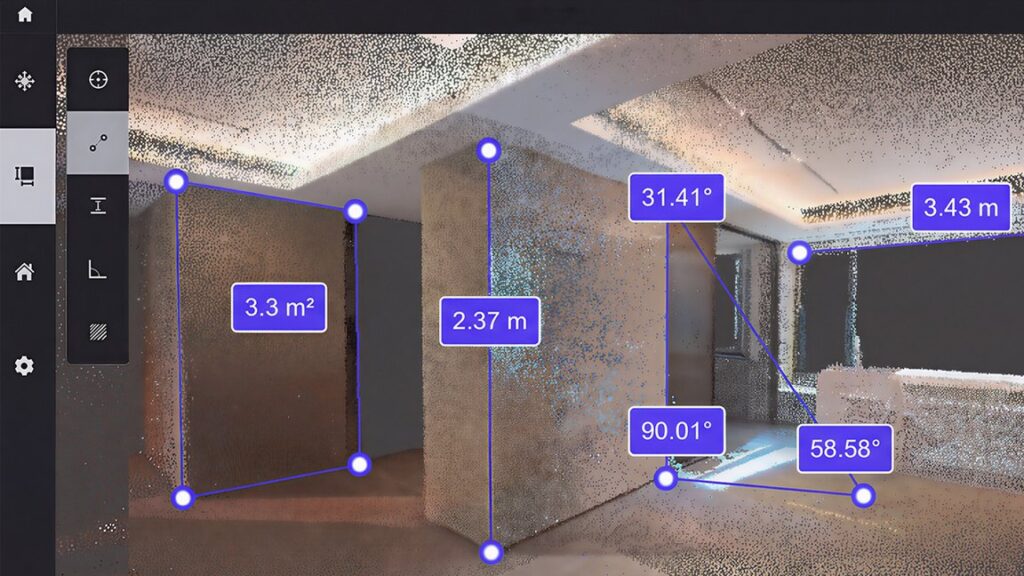
  • 2D and 3D viewing, with measurement of angles, distances, heights and areas.
  • Project sharing and data download.
  • Starting tasks through an AI agent with text, voice or file upload.

Because the work happens in the cloud, large processing jobs do not tie up your own PC. FJD states that tasks using cloud computing consume credits, and that additional storage may be charged separately. It also states that no subscription is required through 31 December 2026. Ask us for the current terms before you plan a project, because FJD may change them.

Which modules does it include?

The modules cover site documentation, design, forestry, construction and inspection. Project Management is free. Thermal Inspection uses data captured in thermal imaging mode on the P2 Vision+.

ModuleWhat it doesDeliverables
Project Management (free)2D and 3D project management, point cloud viewing and measurement, mesh viewing and annotation, 3DGS viewing, sharingShared projects, downloads
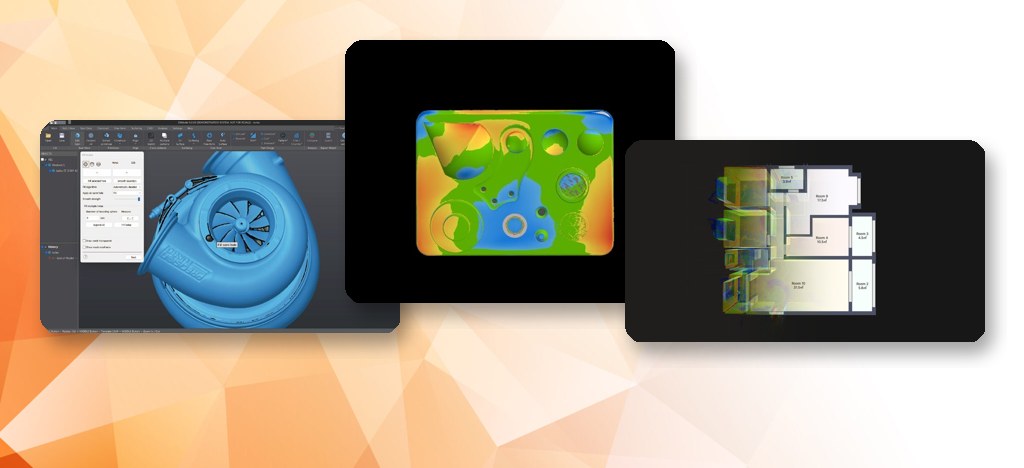
Interior DesignAutomatic floor plans and 3D models; AI Rendering Lab for styled interior visualsDXF and PDF floor plans, OBJ models, renderings
Forestry and ArboricultureExtracts individual trees; analyses DBH, height, crown width, timber volume and carbon dataForest survey reports
Construction ManagementBIM viewing, model comparison, site notes, team management, scan task assignment, crack inspection reportsCrack inspection reports
Thermal InspectionLinks thermal readings with visible-light evidence and 3D locations; AI-assisted screening (not a replacement for engineering diagnosis)Thermal inspection reports
Incident DocumentationOrthophoto creation, scene measurement, evidence marking, investigation reportsInvestigation reports, encrypted case packages
Measuring a scanned room in FJD Trion Model Web
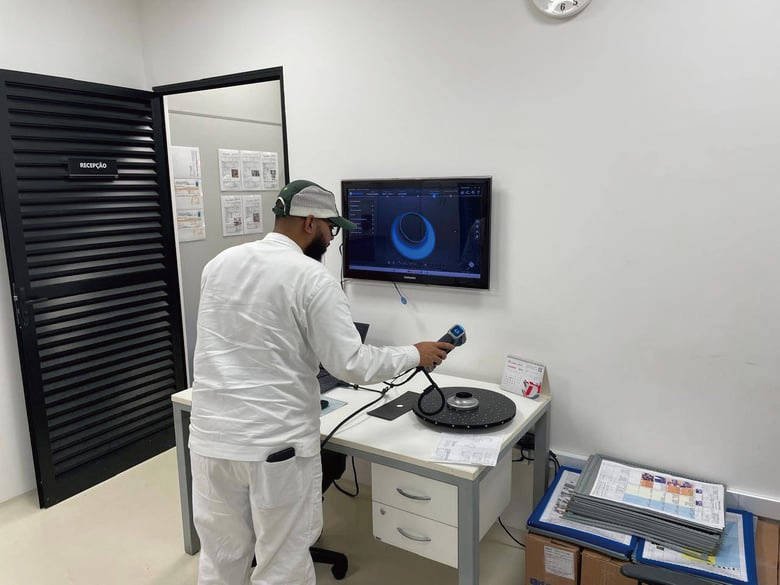
Handheld LiDAR scanning on a building site

Model Web or the desktop software?

Use Model Web when several people need to view, measure and share the same project from a browser, or when you want floor plans and 3DGS without a powerful PC. Use FJD Trion Model on the desktop when you need the full processing toolset, Revit integration, classification and volume work, and the specialist plans. FJD describes Model Web as a separate product from the desktop application, so many teams use both. The FJD Trion X1 plans its scan tasks in Model Web, and data from the P2, S2 and other FJD Trion LiDAR scanners is processed in the Trion software family. Part of the 3D software range; see industrial solutions for construction and facility workflows.

Equipment

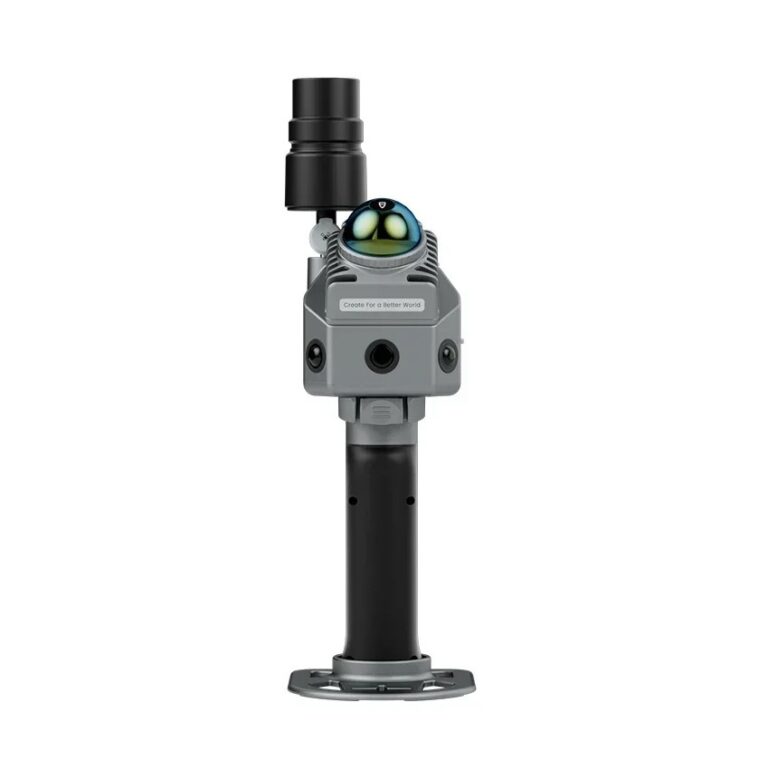
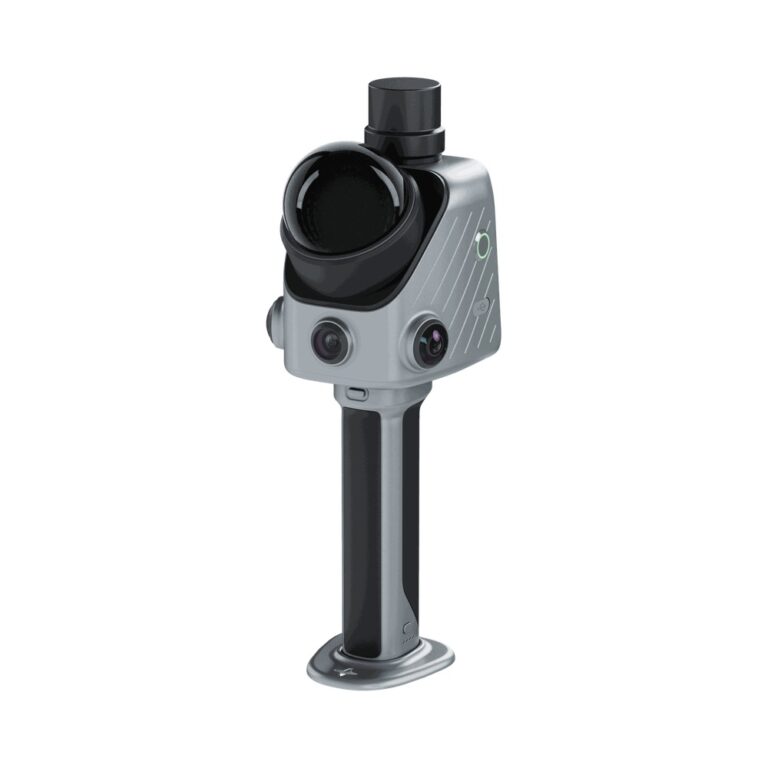
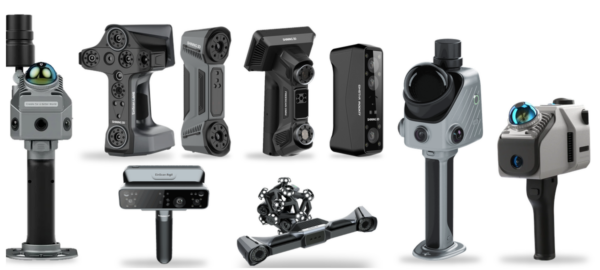
Scanners that upload to Model Web

Why MAKE3D

  • Scanner, software and local support from one supplier.
  • Demo on your own site data, in the browser.
  • Guidance on which parts of your workflow belong in the cloud and which on the desktop.

Video

See it in action

FJD Trion Model Web Beta (video: FJDynamics)

Tell us the project, who needs to view the data and what you need to deliver. We will recommend the scanner and show Trion Model Web on your own data.

Frequently Asked Questions

It is FJD’s browser-based cloud platform for point cloud data. You can process mapping, colourisation and GNSS registration, generate 3DGS scenes, view and measure projects in 2D and 3D, and share or download results, without installing the desktop application.

Project Management is free. FJD states that no subscription is required through 31 December 2026, that tasks using cloud computing consume credits, and that extra storage may be charged. Terms may change, so ask us for the current position before you commit a project.

FJD states that Model Web runs in a web browser without high-spec hardware or a specific operating system. We recommend a desktop or laptop browser. For heavy processing, registration and classification, the desktop FJD Trion Model remains the full toolset.

Yes. The Interior Design module generates floor plans automatically, exported as DXF or PDF, plus OBJ 3D models and AI interior renderings. For scan-to-BIM with Revit, use the desktop FJD Trion Model, which has the Revit plug-in and the Drawing module.

3DGS is a way to generate a navigable 3D scene from captured data. FJD Trion Model Web creates 3DGS scenes from supported point clouds and lets you view them, including walking an avatar through the scene. Ask us for a demo on your own capture.

Trion Model is the Windows desktop application with the full toolset and specialist plans. Trion Model Web is the browser platform for processing, viewing, sharing and modules such as floor plans and forestry reports. FJD describes them as separate products. Tell us your project and we will advise which you need.

Get A Free Quote

Get Brochure Here