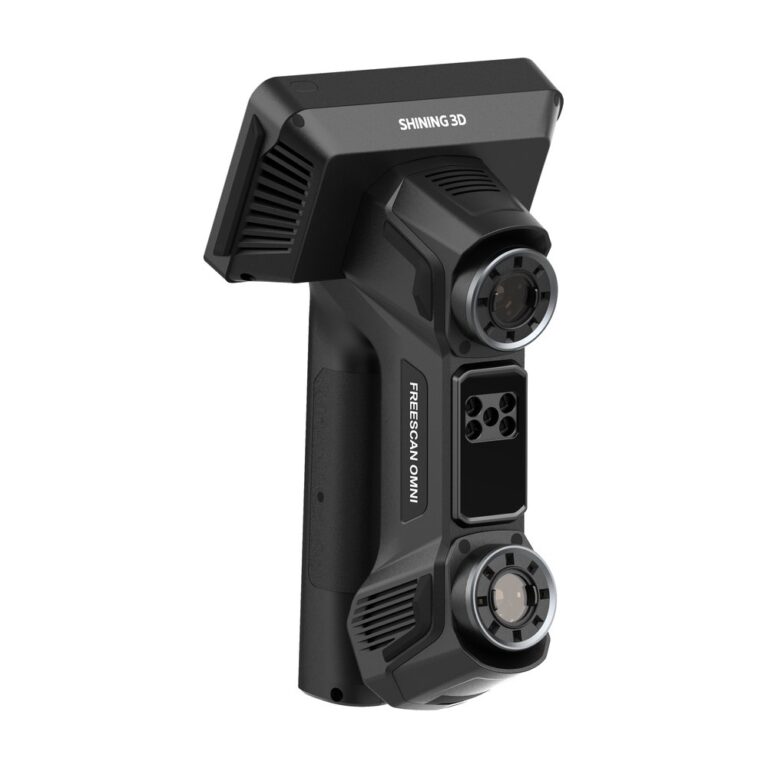

- Products
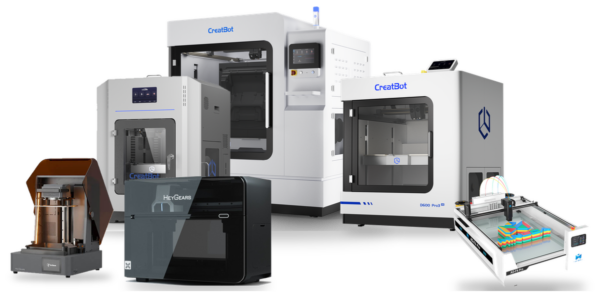
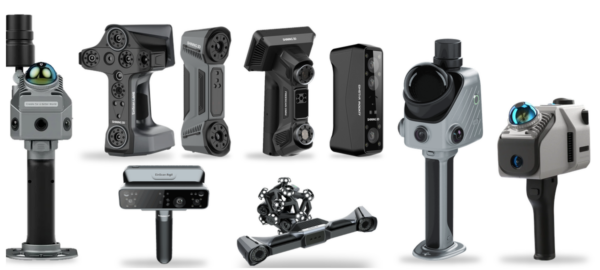
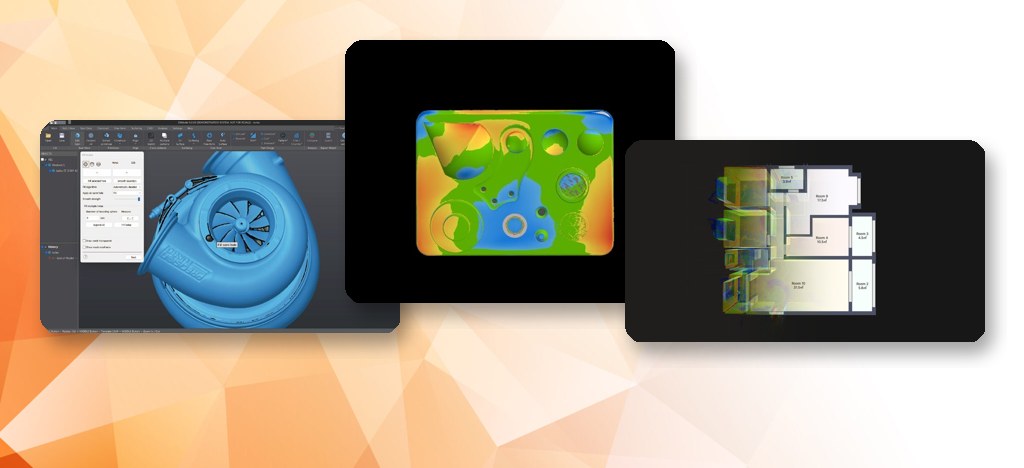


- Services
3D ScanningParts, tooling and sitesReverse EngineeringScan to editable CAD3D InspectionNon-contact inspection vs CAD3D PrintingEngineering parts and prototypesCAD Modelling & DesignFrom sketch, sample or scanAll services
 Services
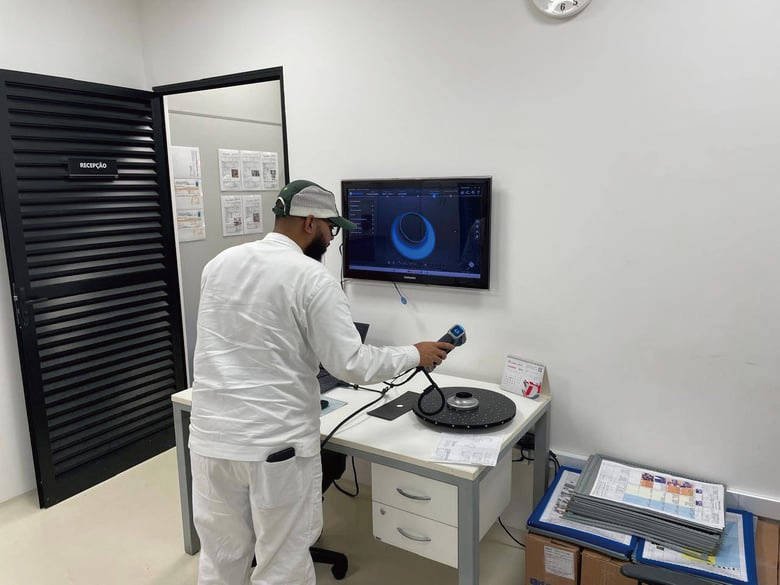
3D Scanning
Laser-accurate scans of parts, tooling and sites, delivered as mesh or point cloud.
- On-site or in-office
- Mesh / point cloud
- Large parts
Buyer guides
How to choose a 3D scannerNon-contact 3D scanning vs CMM3D laser scanning & scan-to-BIMIndustrial 3D printers guide3D softwarePrefer to bring it in-house? We supply the scanners, printers and software we use.
See equipment - Industry Solutions
Aerospace & MROInspection and legacy partsPrecision EngineeringFirst article, spares, fixturesMoulds, Tooling & DiesWear checks and tool repairMarine, Oil & GasPumps, valves, plant roomsJigs, Fixtures & End-Use PartsPEEK and large-format printingAll industry solutions
 Industry solutions
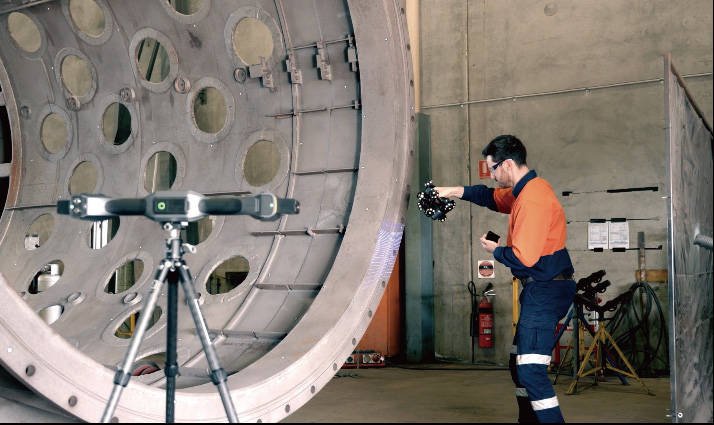
Aerospace & MRO
Component inspection, damage assessment and reverse engineering of legacy parts.
- Inspection vs CAD
- Tracked scanning
- Legacy parts
Buyer guides
How to choose a 3D scannerNon-contact 3D scanning vs CMM3D laser scanning & scan-to-BIMIndustrial 3D printers guide3D softwarePrefer to bring it in-house? We supply the scanners, printers and software we use.
See equipment
- Products
- Services
3D ScanningParts, tooling and sitesReverse EngineeringScan to editable CAD3D InspectionNon-contact inspection vs CAD3D PrintingEngineering parts and prototypesCAD Modelling & DesignFrom sketch, sample or scanAll servicesServices
3D Scanning
Laser-accurate scans of parts, tooling and sites, delivered as mesh or point cloud.
- On-site or in-office
- Mesh / point cloud
- Large parts
Buyer guides
How to choose a 3D scannerNon-contact 3D scanning vs CMM3D laser scanning & scan-to-BIMIndustrial 3D printers guide3D softwarePrefer to bring it in-house? We supply the scanners, printers and software we use.
See equipment - Industry Solutions
Aerospace & MROInspection and legacy partsPrecision EngineeringFirst article, spares, fixturesMoulds, Tooling & DiesWear checks and tool repairMarine, Oil & GasPumps, valves, plant roomsJigs, Fixtures & End-Use PartsPEEK and large-format printingAll industry solutionsIndustry solutions
Aerospace & MRO
Component inspection, damage assessment and reverse engineering of legacy parts.
- Inspection vs CAD
- Tracked scanning
- Legacy parts
Buyer guides
How to choose a 3D scannerNon-contact 3D scanning vs CMM3D laser scanning & scan-to-BIMIndustrial 3D printers guide3D softwarePrefer to bring it in-house? We supply the scanners, printers and software we use.
See equipment